
To celebrate World Braille Day (4 Jan), we’re releasing this blog post about a workshop that we ran in October 2025, introducing staff to braille and ways to support our blind students who use braille at the University. Despite the prevalence of digital technologies, braille is still very important for literacy, to support multiple modes of learning and independent navigation. Find out more about the benefits of learning braille from Sight Scotland or the The Guide Dogs for the Blind Association.
Alice and I have been exploring how to structure workshops to help staff learn about supporting our vision-impaired students. We’ve tried various formats and this blog post discusses our most recent and practice-focused workshop format. If you want to find out about our previous workshops, feel free to look under the category ‘workshop’ in our blog site.
We had a small group of 6 lecturers, technicians and support workers attend the workshop. Tables had been set out with different materials on them so that workshop participants could go around them in pairs to try out the equipment or discuss the resources. Staff had a go with a Perkins Brailler, a refreshable braille display, a geometry mat with embossing film, a braille labeller and a slate and stylus. They discussed the tactile materials on the tables, from home made graphs to 3D printed materials from the Tactile Universe project. To showcase our braille embosser (the ViewPlus Spot Dot) available to staff and students, we put out printed samples for discussion.
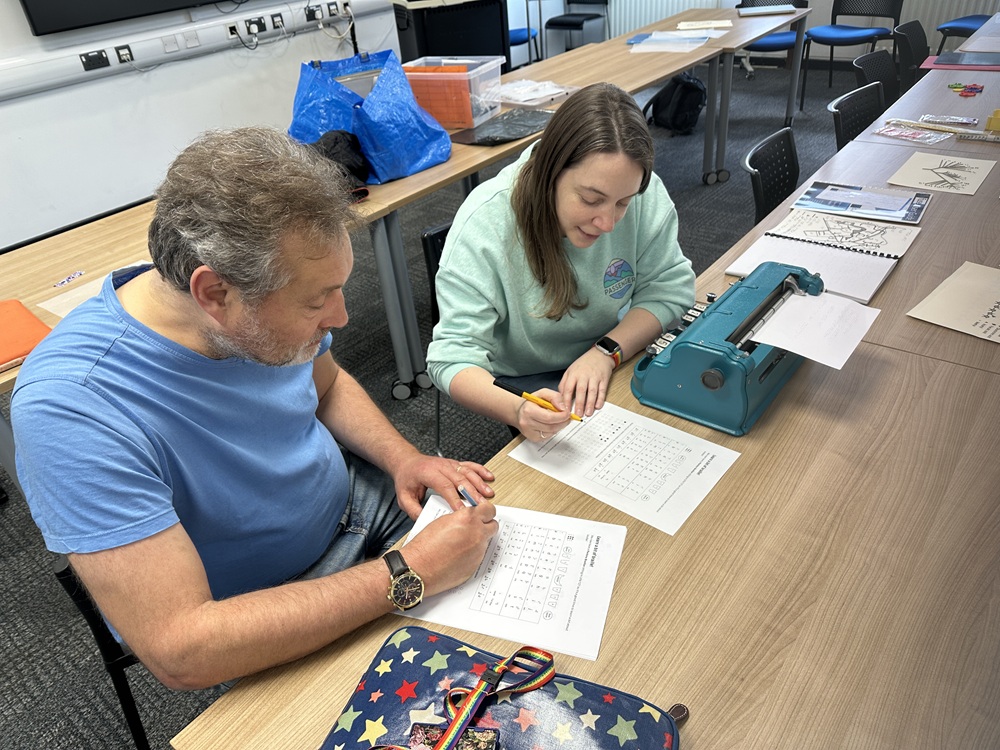
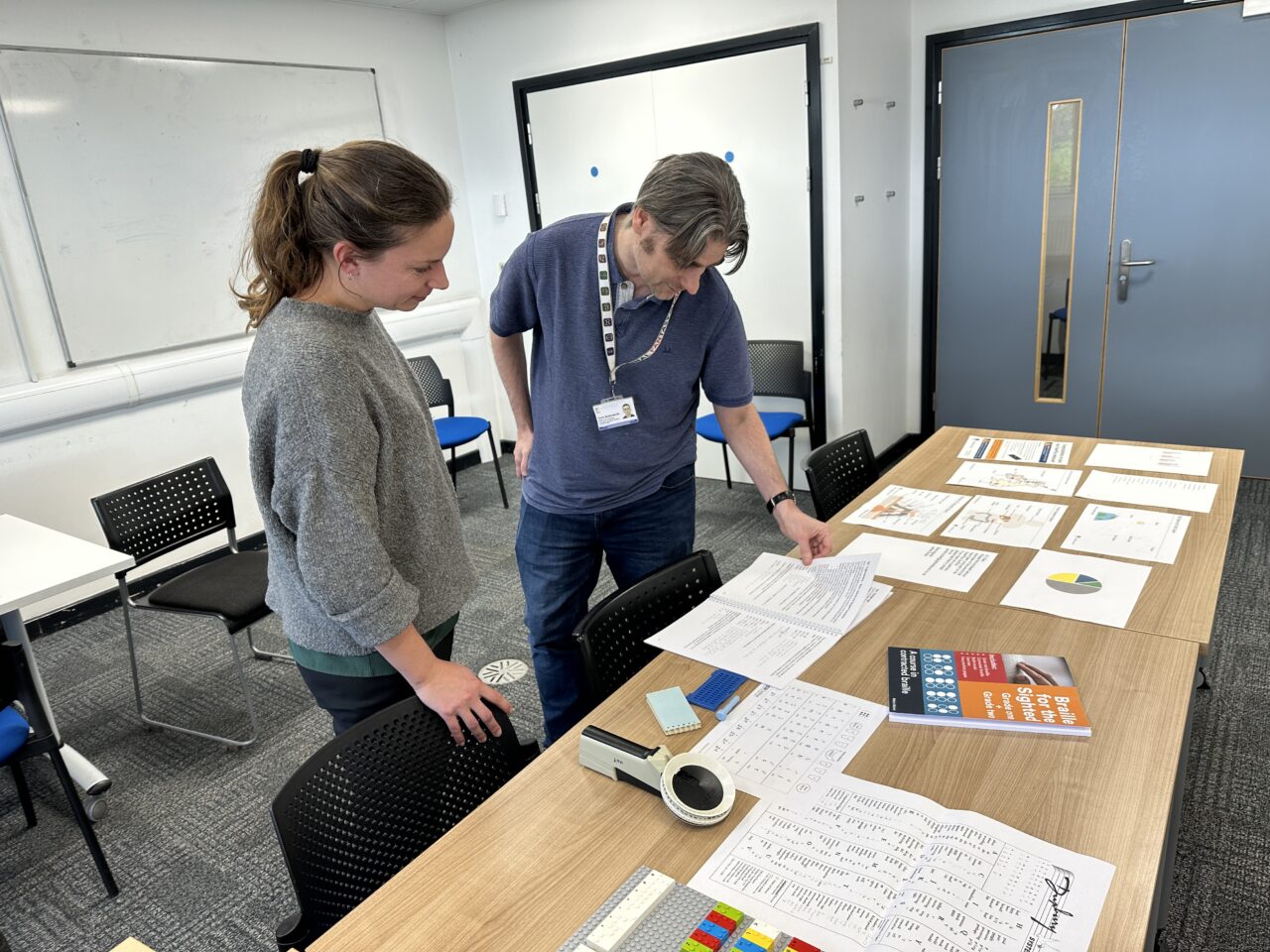
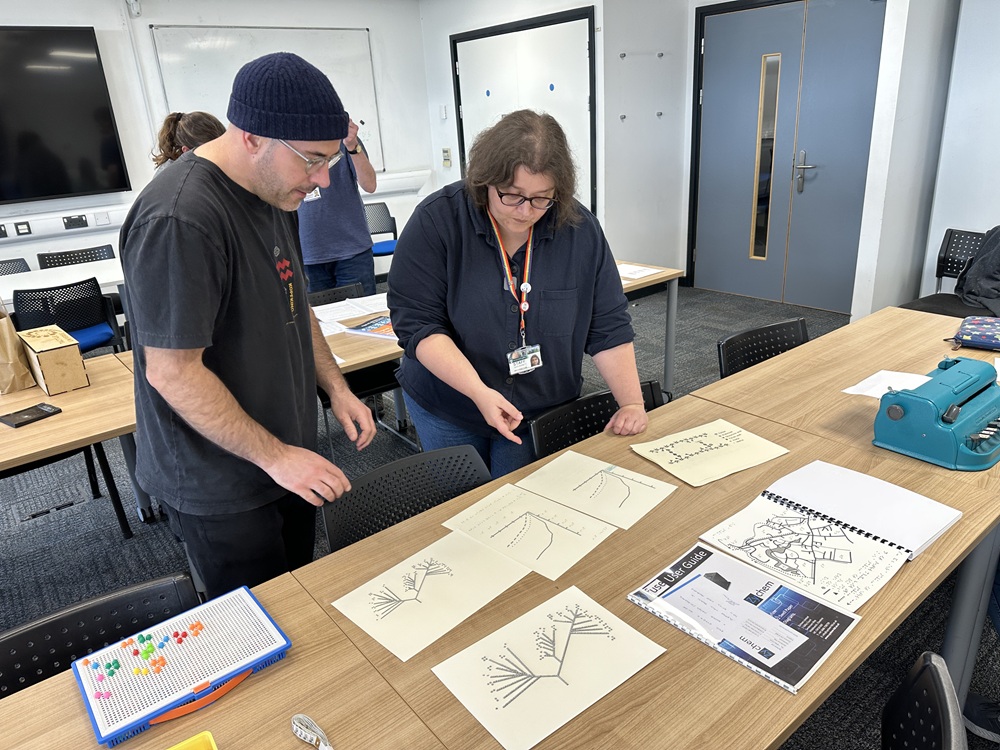

The 1 hour workshop format seemed to go well although an extra half hour would have been ideal to give us more time for the hands-on experience as well as discussion.
Here are some of the questions participants asked followed by the answers and further links:
Is there a separate braille alphabet for other languages?
French braille is the basis for most languages based on an alphabet.
Braille is a code with only 6 dots used in different permutations to represent letters, numbers and punctuation. A raised dot 1 represents the letter a. Dots 1 2 represent the letter b and so on. Where languages use the same alphabets, the code is the same.
Explore the basic English braille code. The UK Association for Accessible Formats (UKAAF) has more information on various braille codes used in the UK.
Languages that aren’t alphabetic have also mapped their own braille codes using the 6-dot principle. There are also separate braille codes for maths, music, chess, science etc.
How are numbers shown when they seem to be just the letters a to j?
Sometimes it takes more than one cell to represent something eg it takes two cells to represent the number 1, the number indicator followed by dot 1. See Deciphering the code for more information.
It’s similar to how we sometimes have to press two keys, the Shift key and the letter a, to create a capital letter A. In the same way, braille uses a cell in front of another to modify characters.

Dot 6 before a letter indicates a capital letter.
Dots 3456 before letters a to h indicate numbers 1 to 9, with j representing zero.
Some symbols take several cells in braille!
What about passwords?
Passwords usually have to be typed in such a way that one cell represents one character. For this, people will use Computer Braille, a way of doing letters, numbers and special characters in one cell each. This requires them to use 8-dot braille rather than 6-dot braille.
The basics of Computer Braille, YouTube video (5 min).
SEB versus UEB
At one point, there were different braille standards around the world just for English! In the UK we used Standard English Braille (SEB) until 2011. We now use Unified English Braille (UEB) along with several English-speaking countries.
Students coming to university now aged 18 or older may have stuck to using SEB through school. Others may have switched to UEB. It’s important to know which code a student is familiar with before transcribing anything.
Are AI glasses any good?
We’ve heard mixed reviews, but it’s still early days so things may get better. AI glasses or Smart glasses are wearable technology that can help blind/low vision people to identify their environment, objects, people, images, colour and text. Examples are Envision glasses and Ray-Ban Meta glasses. As the technology develops, it’s an exciting development that could create more independence and help people with cognitive needs as well as sight loss.
AI as assistive technology
One participant explained how asking ClaudeAI to describe images has helped reduce the time it takes to transcribe things.
One of our blind students uses a weekly schedule prompt with ChatGPT to organise her classes and other commitments as a text file. It has also helped with learning as she can feed it the format of her transcription notes so things are explained in a way she can easily perceive and reproduce on her refreshable braille display.
At the Uni, we recommend using Gemini or NotebookLM if anyone is going to try AI as assistive technology for the first time. This is because as a University using Google systems, we have contracts with Google that ensure our data is not being used to train their AI systems. Find out more about AI use at the University of York.
I would find it helpful to understand how a VI student navigates teaching materials (on the VLE) and the challenges they face/what works well for them.
Our blind students are less likely to use our Blackboard VLE directly. It can be quite a high cognitive load to navigate to what they need. Instead, their readings are usually provided for them by the Alternative Formats team via a Google drive folder. Their note-taker will also ensure any learning content is added to a Google Drive folder in a format that works for them (usually rtf). Regular meetings with a student will help them further and also help you to work out what works best. Depending the module content, it can take a bit of trial and error. It may be worth watching the recording of our webinar on Preparing to teach VI students (UoY sign in required) where a couple of lecturers explained what they found helpful.
This doesn’t mean you don’t need to make your content accessible on the VLE. In fact, anyone helping our blind students (note takers, for example) rely on accessible resources as the starting point. If your content is not accessible and well structured, it can hinder everyone, including our vision-impaired students. Find out how to make your content accessible and structure your VLE sites.
If I wanted to include Braille on my tactile resources, I’m not sure how I would check that what I wanted to write was correct, or which Braille language would be the best to use.
One way to ensure the correct braille was added is to co-create them with the student who can generate the labels themselves. You can also check with the Digital Accessibility Unit on the format you are planning to use and they can help ensure you have the software for braille translation and the correct settings. The DigAcc Unit can help with some resource creation if enough notice has been given.
In 2026, we’re planning to create a Braille Club with UoY students and staff who want to learn a bit more about reading and creating braille. Contact the DigAcc Unit if you’re interested!
Conclusion
Participants appreciated seeing examples of the resources and the braille keyboards students are using and meeting the people who work closely with VI students. They agreed that the workshop had given them an awareness of how much longer it takes for a student to read, write and process information.
“My first time trying to write in braille! It also gave me a greater appreciation of how hard it can be to directly translate maths / technical language into Braille.”
“There is always more we could be doing to facilitate learning.”
Further links
How to read braille – Guide Dogs for the Blind Association